 3DSettings
The Zonestar m8r2 is a home 3D printer from the Chinese brand Zonestar. It has a print technology of Fused Deposition Modeling (FDM / FFF), one nozzle, print speed of up to 150 mm / s, an LCD Screen, print area of 220x220x250 mm, a heated bed, and 7.6 kg weight. It is compatible with Repetier-Host, Cura, Simplify 3D, and Slic3r software and can be connected via USB or card reader. General slicer settings for the Zonestar m8r2 include support type and support angle, infill percentage, layer height, and print speed.
← Printer catalog · Slicer settings
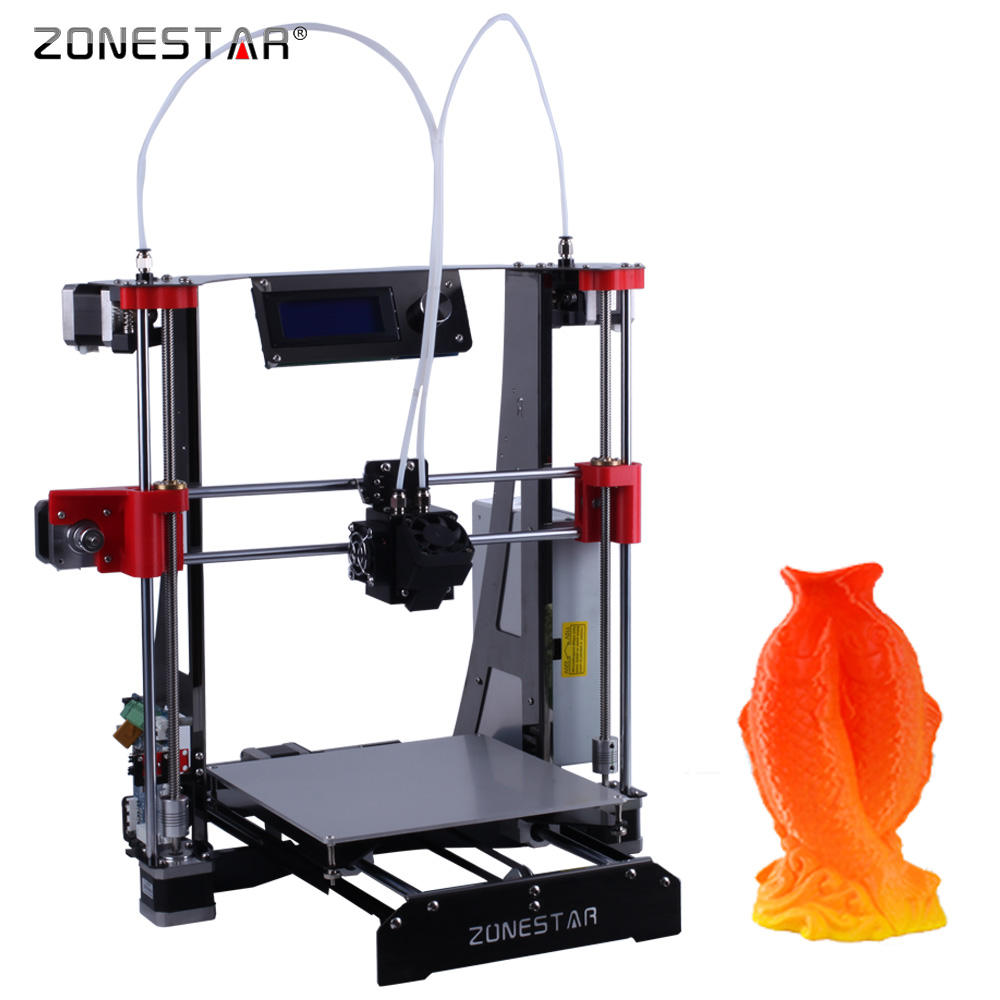
Zonestar m8r2 slicer settings
Recommended slicer settings for the Zonestar m8r2 (Zonestar) 3D printer. Profiles cover ABS, NYLON, PC with starting nozzle/bed temperatures, fan, and speed guidance. Build volume 220x220x240. Fused Deposition Modeling (FDM / FFF). Common slicers: Repetier-Host, Cura, Simplify 3D, Slic3r. Use these as a baseline and fine-tune for your filament brand and enclosure.
ABSNYLONPC
Zonestar m8r2 slicer settings
Starting temps and speeds for this machine. Generated defaults are a baseline — tune for your filament.
| Profile | Filament | Temp | Speed | Fan | Slicer |
|---|---|---|---|---|---|
| Zonestar m8r2 — ABS starting settings defaults | ABS | 250/100 | 150 mm/s | 0-20 | Repetier-Host |
| Zonestar m8r2 — NYLON starting settings defaults | NYLON | 260/90 | 150 mm/s | 0-30 | Repetier-Host |
| Zonestar m8r2 — PC starting settings defaults | PC | 270/110 | 150 mm/s | 0-20 | Repetier-Host |
Tech specs
| Type | Home |
|---|---|
| Brand | Zonestar |
| Сountry | China |
| Print technology | Fused Deposition Modeling (FDM / FFF) |
| Nozzle quantity | 1 |
| Print speed | up to 150 mm / s |
| LCD Screen | Yes |
| Print Area | 220x220x240 |
| Bed | Heated |
| Material | PC, ABS-M30, FDM Nylon 12, PC-ABS, ABS-ESD7, ABSI, ABS-M30I, PC-ISO, PPSF, ULTEM 9085 |
| Material diameter | 1.75 |
| Host computer software | Repetier-Host, Cura, Simplify 3D, Slic3r |
| Input method | USB, Card Reader |
| Machine size | 220x220x240 |
| weight, kg | 7.6 kg |