← Printer catalog · Slicer settings

Prism Home Dual

Prism Home Dual slicer settings

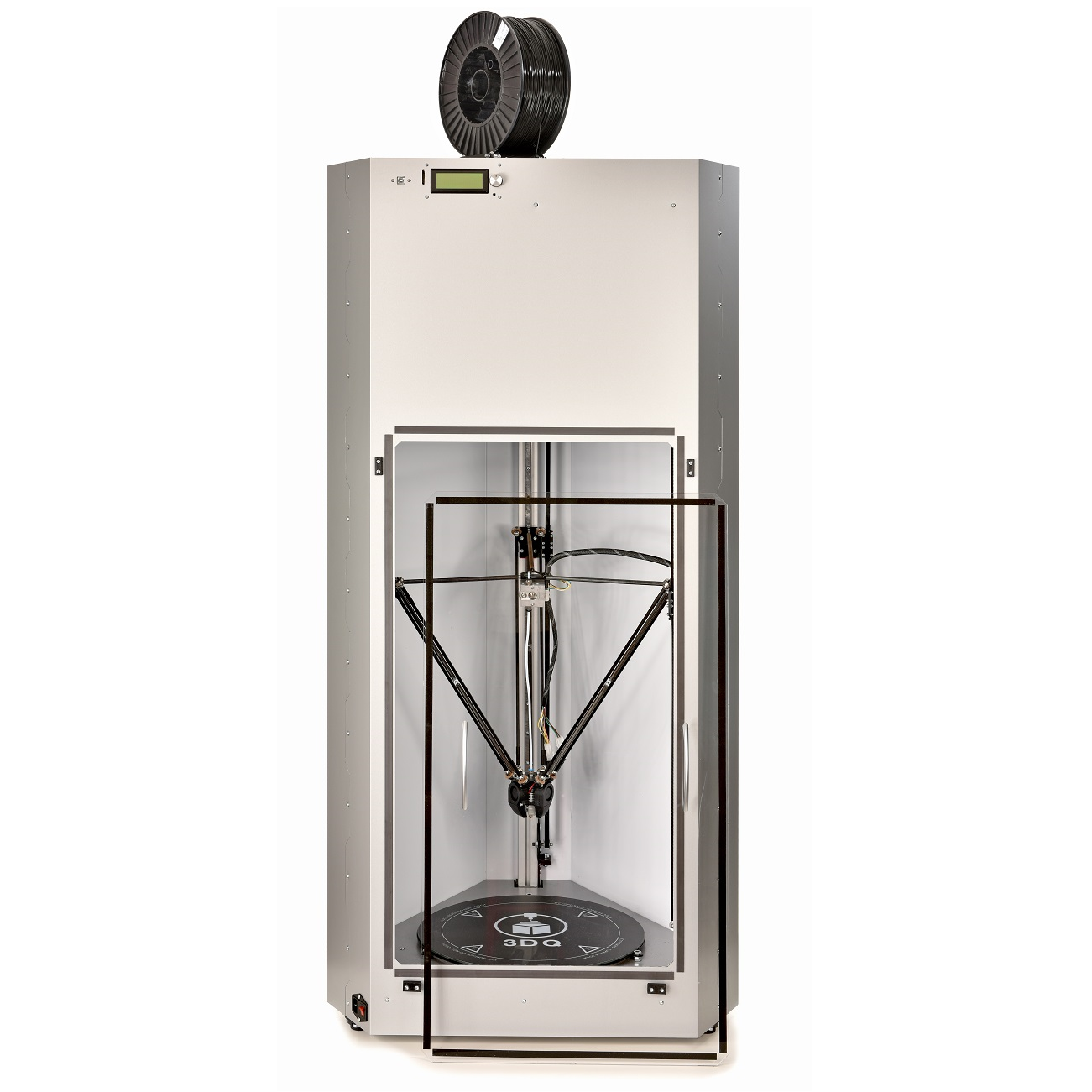
Recommended slicer settings for the Prism Home Dual (3DQuality) 3D printer. Profiles cover PLA with starting nozzle/bed temperatures, fan, and speed guidance. Build volume 400x400x560. Fused Deposition Modeling (FDM / FFF). Use these as a baseline and fine-tune for your filament brand and enclosure.

PLA

Prism Home Dual slicer settings

Starting temps and speeds for this machine. Generated defaults are a baseline — tune for your filament.

Profile Filament Temp Speed Fan Slicer
Prism Home Dual — PLA starting settings defaults PLA 210/60 vol 15 mm³/s 100 Cura

Tech specs

Type Commercial
Brand 3DQuality
Сountry Russia
Print technology Fused Deposition Modeling (FDM / FFF)
Nozzle quantity 1
LCD Screen Yes
Print Area 400x400x560
Bed Heated
Material PLA
Material diameter 1.75
Input method USB, Card Reader
Machine size 400x400x560
weight, kg 51 kg

The Tech Spec and Parameters for the 3DQuality Prism Home Dual 3D Printer includes a commercial type from the brand 3DQuality from Russia with a Fused Deposition Modeling (FDM/FFF) nozzle, a one-piece LCD Screen, 400x400x560 Print Area and Heated Bed, material usage of PLA and 1.75″ material diameter, USB and Card Reader inputs, and a weight of 51kg. General slicer settings for the printer are available on the manufacturer’s website.